Input: connect cloud notes
Yuque knowledge bases, small notes, Get Notes, images, and attachments enter your local workspace. Sync is not the final goal; durable local knowledge is.
WENZHAN NOTES · LOCAL KNOWLEDGE DOCK
INOUT Cloud notes in. Agent APIs out.
DocStack is a local knowledge dock: Input cloud notes from Yuque, Get Notes, and future sources; Output clean local APIs so Agents can search, read, audit, and write without screen scraping.
DocStack is not another sync button. It is a local knowledge base between cloud note systems and Agent workflows.
Bring scattered notes home first. Then turn local knowledge into callable capability.
That is the DocStack loop: notes become searchable, auditable, portable, and usable by Agents.Yuque knowledge bases, small notes, Get Notes, images, and attachments enter your local workspace. Sync is not the final goal; durable local knowledge is.
Markdown files, SQLite metadata, sync history, failed records, and reading traces form the stack. It is movable, back-up friendly, and traceable.
A local HTTP API lets Agents query, read, create, update, and audit notes without fragile UI automation.
The vintage look is only the shell. The real work is input, organization, and output.
Sync Yuque documents, small notes, images, and attachments locally while preserving hierarchy, status, retry records, and change logs.
Read Markdown, search full text, jump to documents, inspect sync history, and manage failed items from one desktop workspace.
The local HTTP API runs on port 7577 by default. Agents can read logs by day/week/month, query notes, fetch content, and write local notes.
This first public update log collects the full product surface in one place, so new users can see what DocStack already does.
A local-first desktop release for bringing cloud notes into a durable knowledge stack and exposing them to people, scripts, and Agents.
Yuque knowledge bases, team spaces, small notes, images, and attachments can be synchronized into local Markdown and assets.
The app is shaped for multiple note sources, including Get Notes and reading-note workflows, with source-specific access points.
Documents, assets, metadata, sync records, failed items, and reading traces are stored locally with SQLite-backed state.
Markdown rendering, heading structure, document tree navigation, focus reading, recent items, and full-text search are part of the desktop workspace.
Sync progress, history, file-level changes, failed records, retries, and activity summaries make background work auditable.
Agents and scripts can call local endpoints to inspect health, list APIs, read sync logs, query documents, fetch content, and write notes.
Summaries, rewrites, extraction, archiving, and Agent-generated output can return to the local stack instead of staying in chat history.
Unified sync intervals, notebook folder actions, embedded site loading, tray icon handling, and sync directory resolution have been improved.
Each screen serves the IN / OUT model: make content enter cleanly, or make it easier for people and Agents to use.
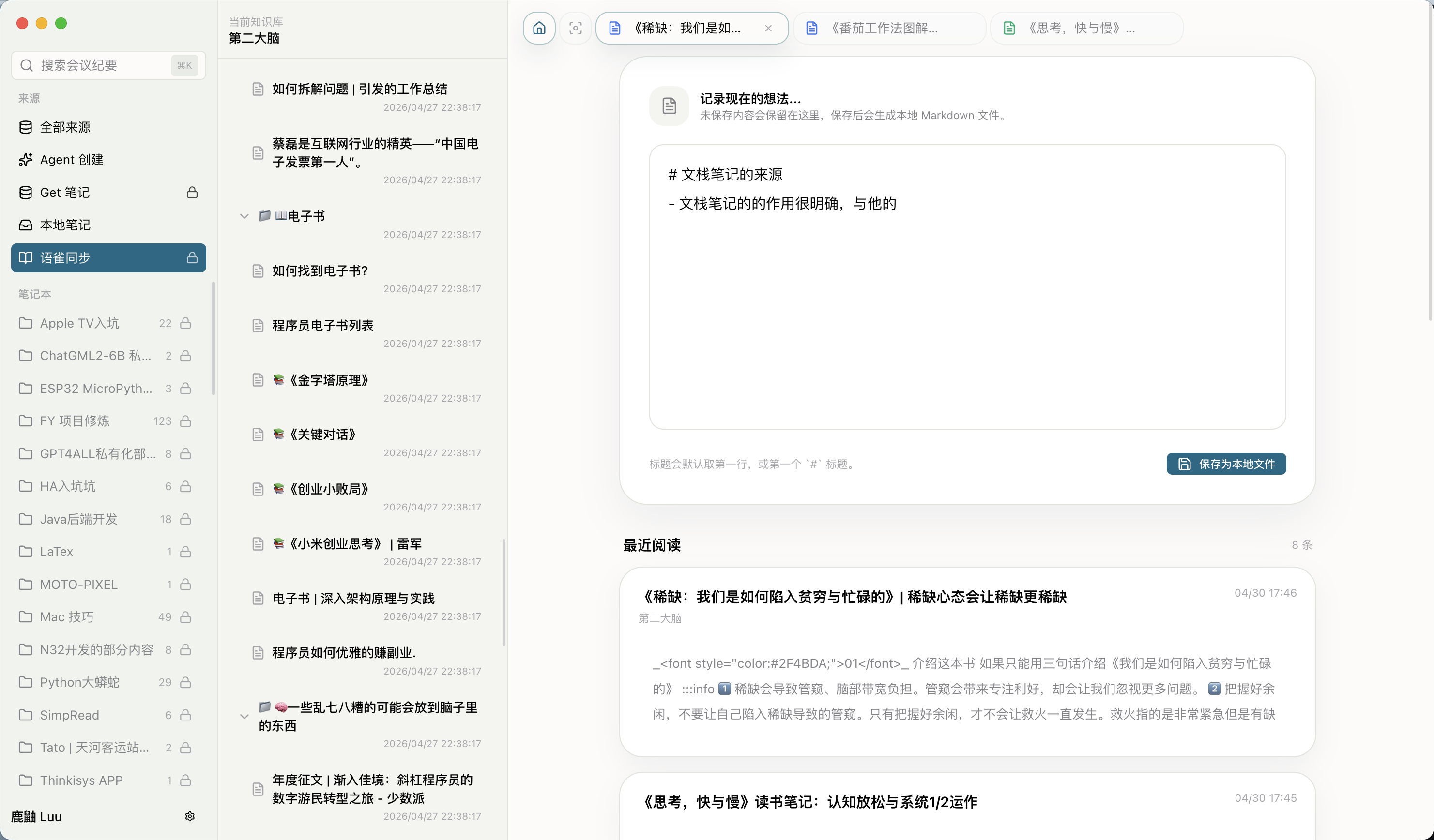
Ideas, project notes, and Agent output become local Markdown before they disappear into chat windows.
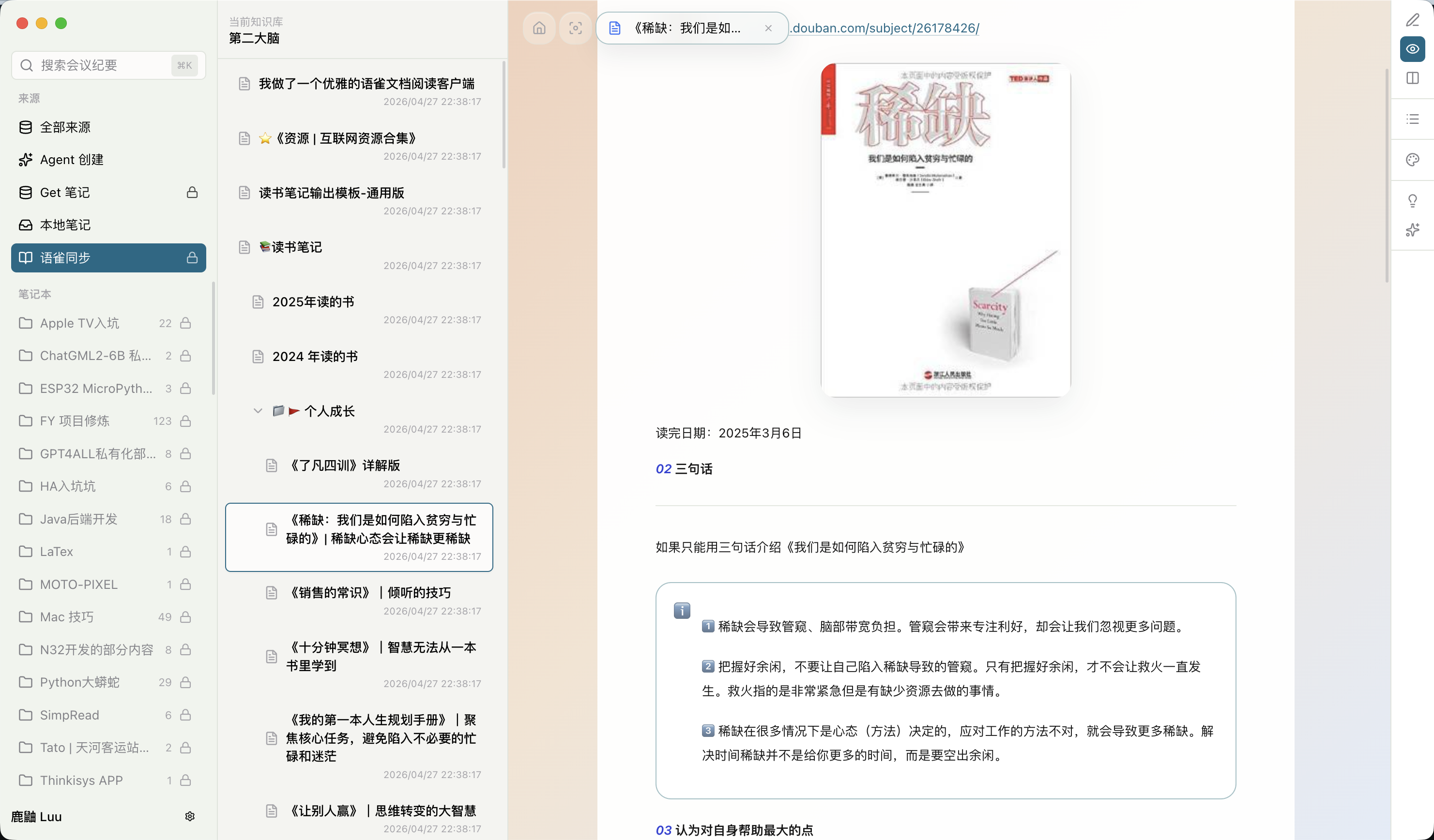
Synced documents are reorganized with outline, typography, and search. You read articles; the system keeps assets searchable and traceable.
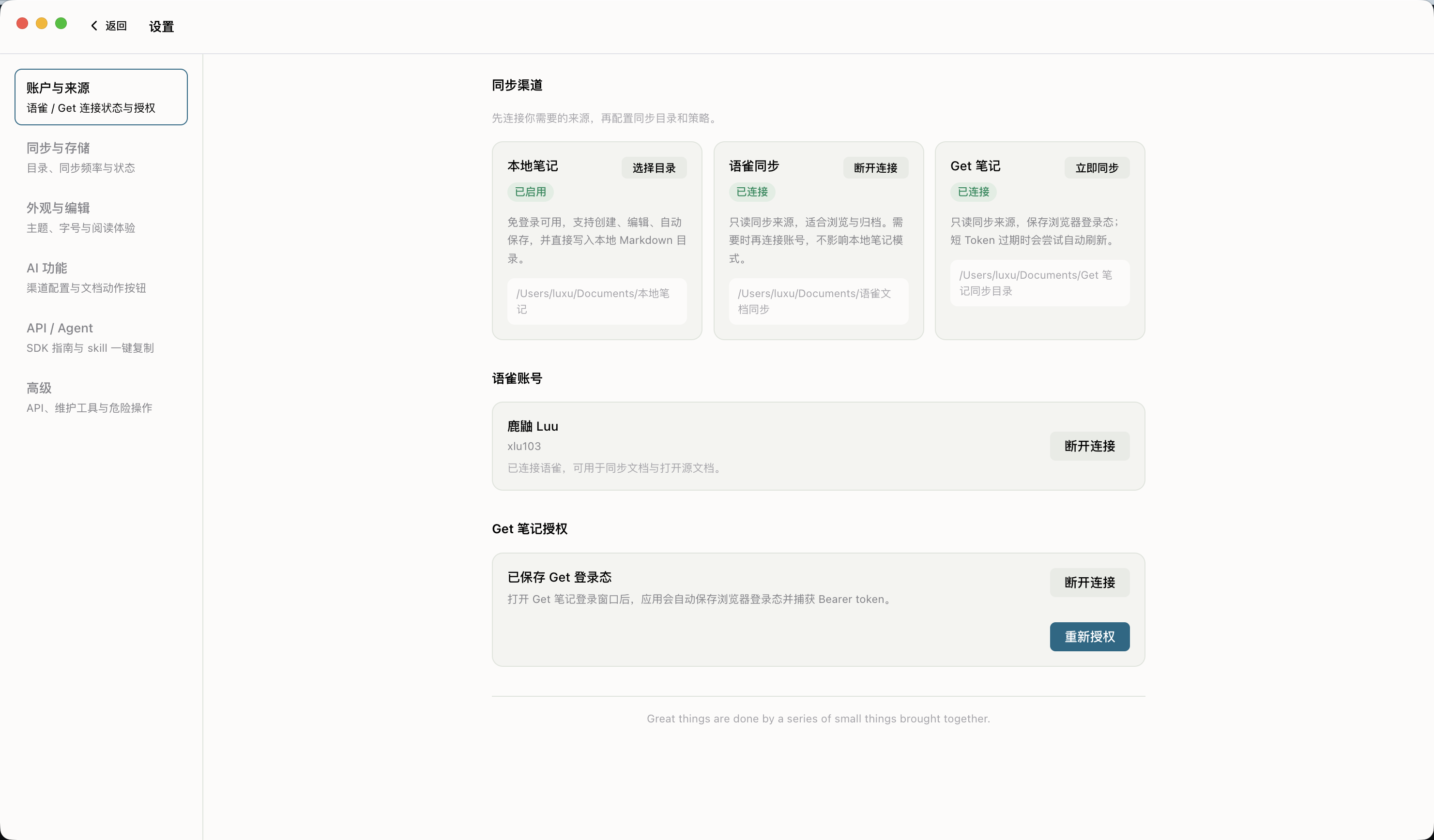
Choose sources, scope, and frequency. Added, modified, failed, and retried items all leave records.
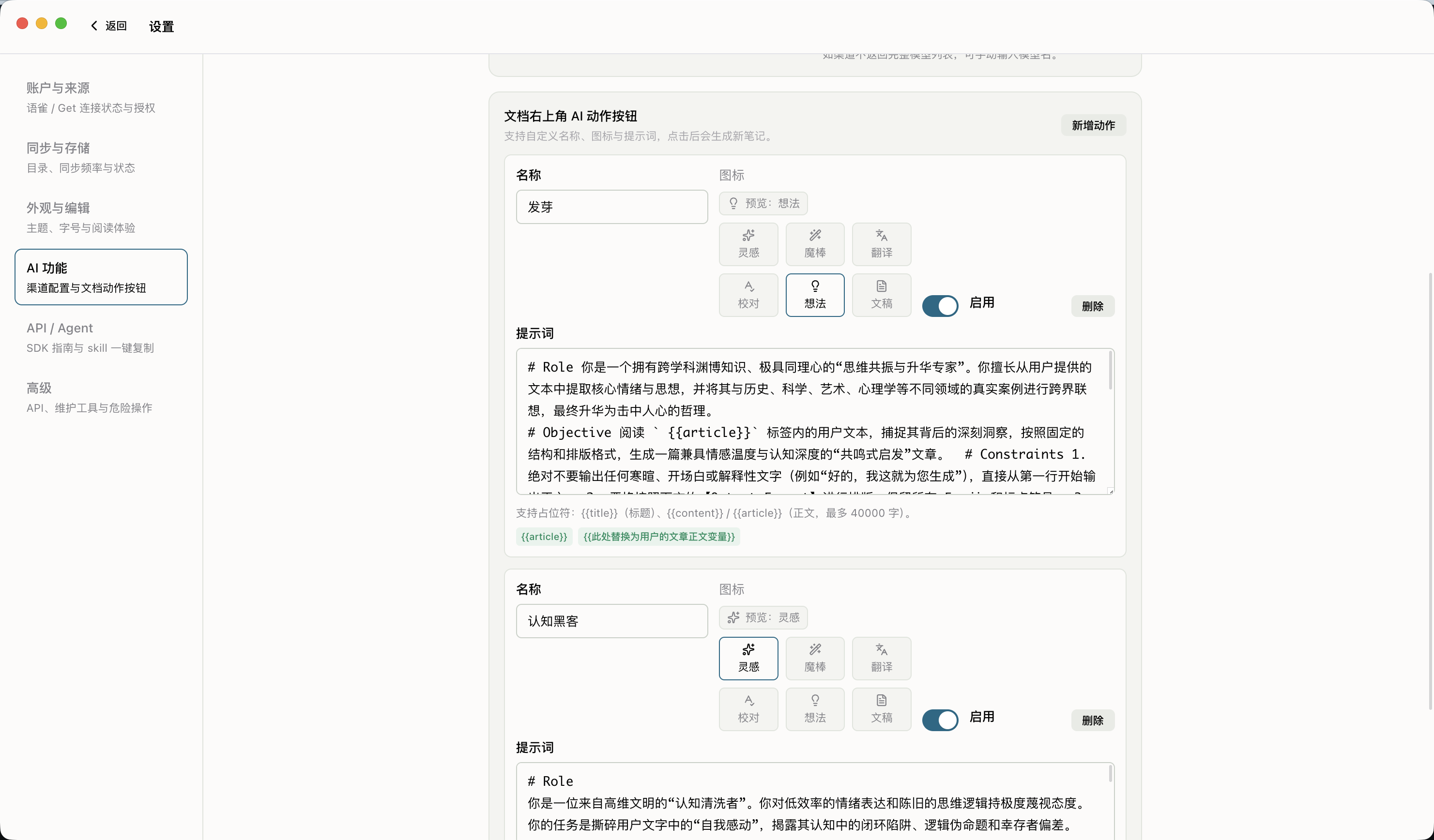
Summarize, rewrite, extract, and archive around the current note. Results return to the stack instead of floating away.
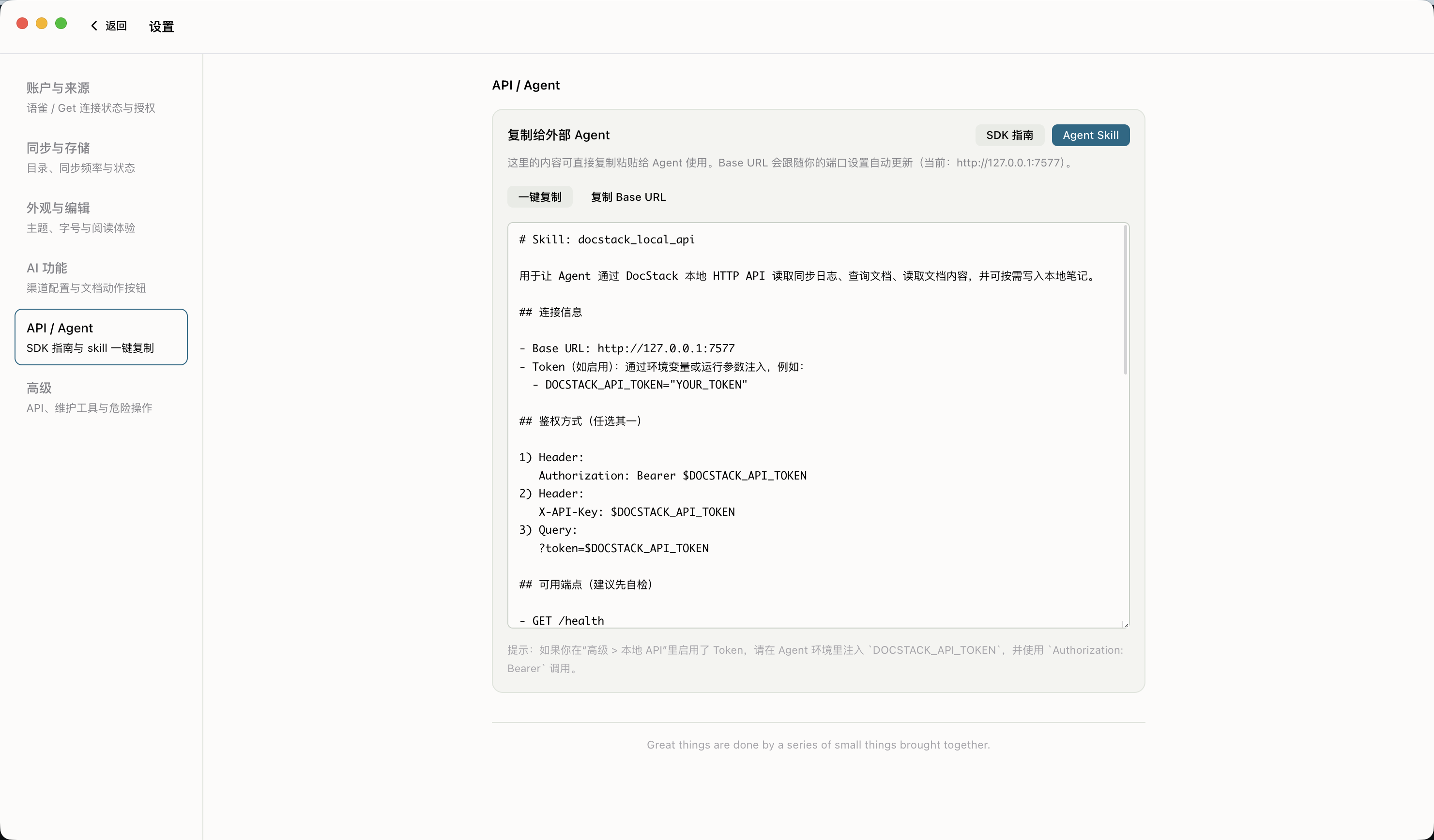
Agents query notes, read content, inspect sync logs, and write notes through local APIs. No clicking simulation. No copy-paste tax.